
Walk to lift it
Your city starts under pale fog. During a walk, every step lifts it within about 40 metres. It only lifts during a walk, so “Start a walk” means something, and your battery says thanks.

Canis is a walking game for your iPhone. Your city starts under fog, and every street you walk with Volf, a Blue Heeler, lifts it. It's for people who want to walk more, including people who'd love a dog to walk with but don't have one. Everything stays on your phone: no account, no server.
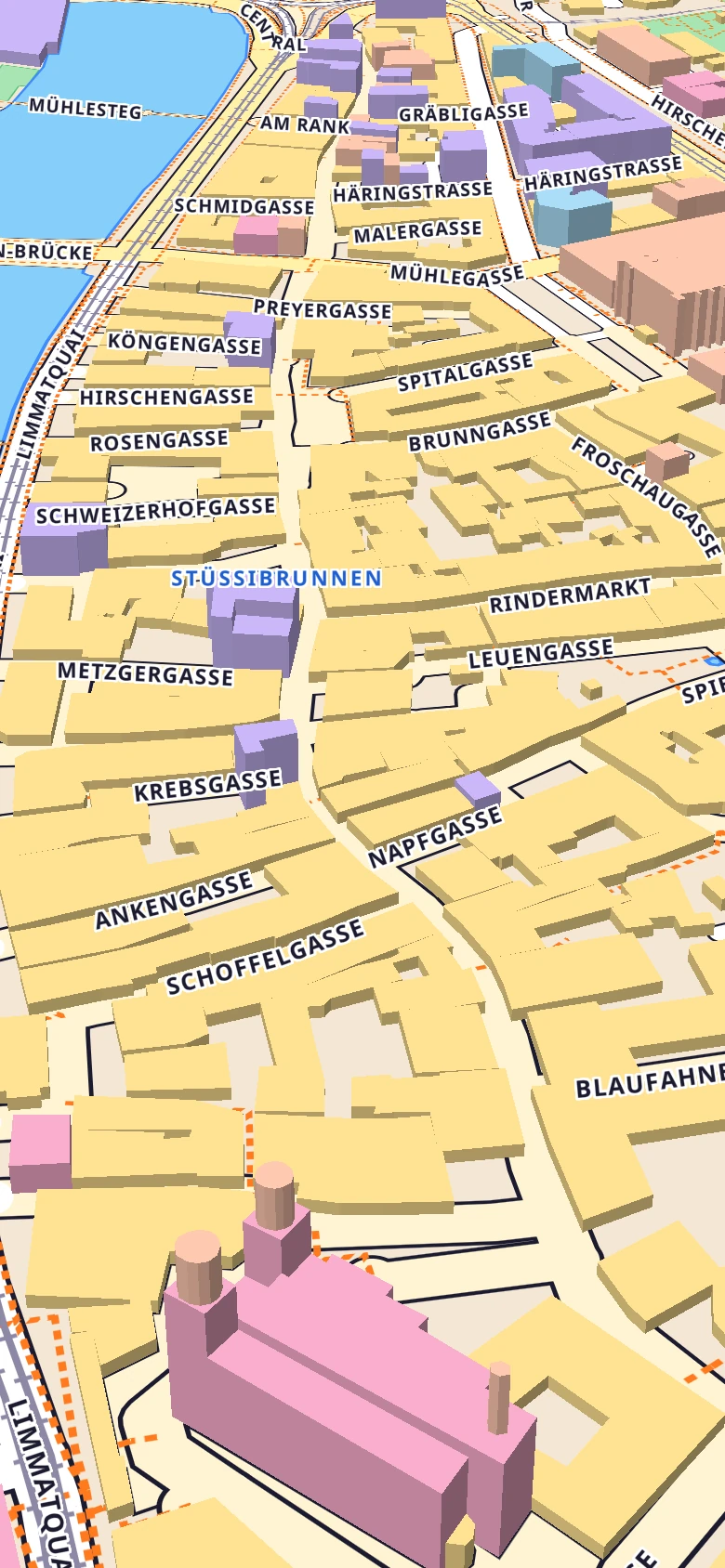
Tap a street to walk Volf
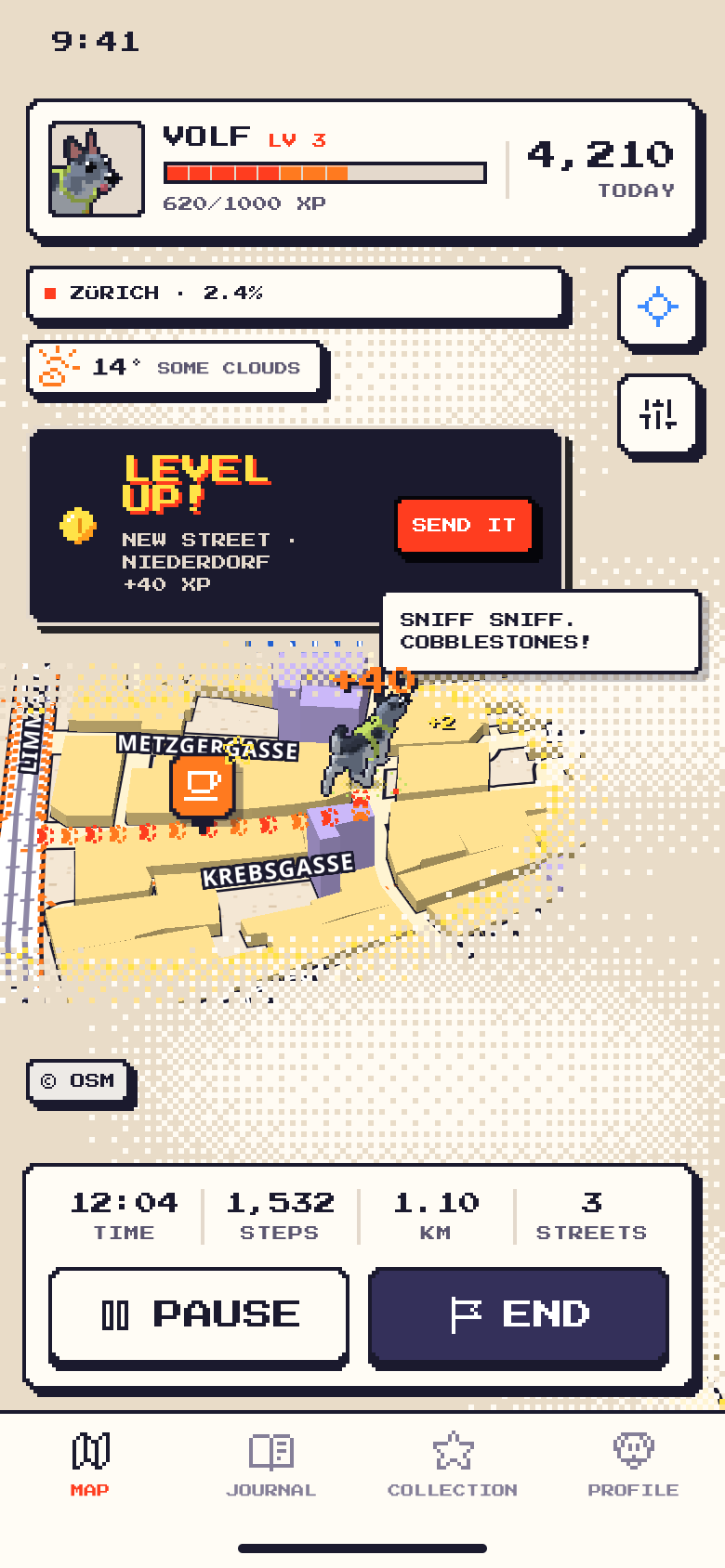
Built from the real app: its map style, Volf's own pixel sprites, and the fog, rebuilt for this page with sample places and numbers. A street is +40 XP, a place +100 XP, and the fog lifts about 40 metres around you while you walk.
Map: Zürich old town. Map data © OpenStreetMap contributors, tiles by OpenFreeMap.
Canis turns the streets you already walk into a map you uncover. The more of your city you walk, the less fog is left.
Your city starts under pale fog. During a walk, every step lifts it within about 40 metres. It only lifts during a walk, so “Start a walk” means something, and your battery says thanks.
A street you walk for the first time is 40 XP. Museums, parks, zoos, cafés, bakeries, libraries, theatres, universities and stadiums within 1.5 km wait under the fog as red ? pins, and are 100 XP when you find one. A new level every 1,000 XP.
Volf trots beside you on the map in pixel art. Give him a name, a harness colour and a world to stand in, and tap him for a hop and a hello.
Steps and distance are counted from the moment you press Start, with breaks taken out. GPS wobble is filtered out, so standing still doesn't add metres.
A daily goal for steps and one for distance, in km, miles, metres or feet. Reminders are notifications made on your phone: a daily walk, a nudge after a few days off, goal reached, a weekly recap.
Canis reads walks and steps from Apple Health, where watch and fitness apps share what they record. It never writes to Health. A small weather chip shows the weather where you are, with a walk tip from the dog.
These are screens from the Canis app itself, filled with sample data. Pick one, and scroll inside the phone when a screen is long.
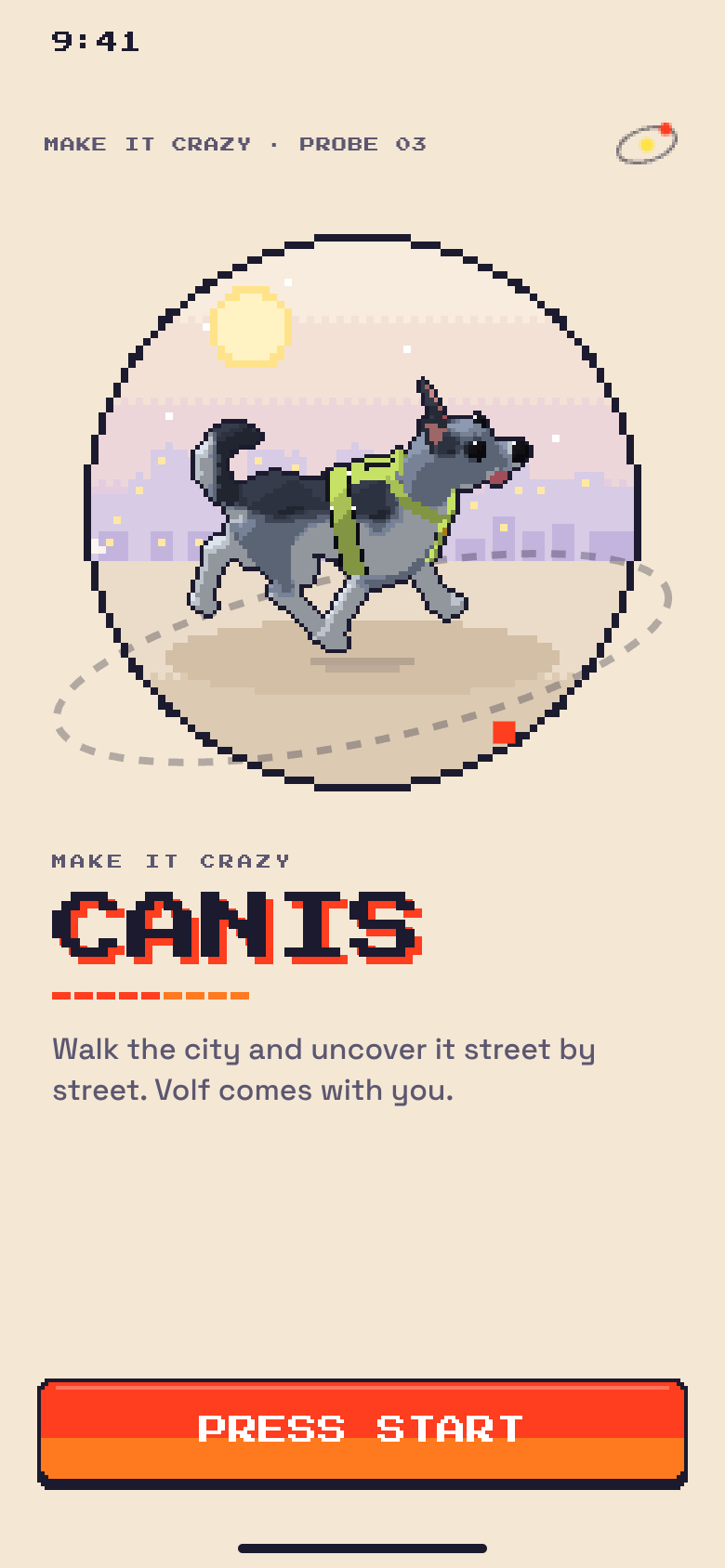
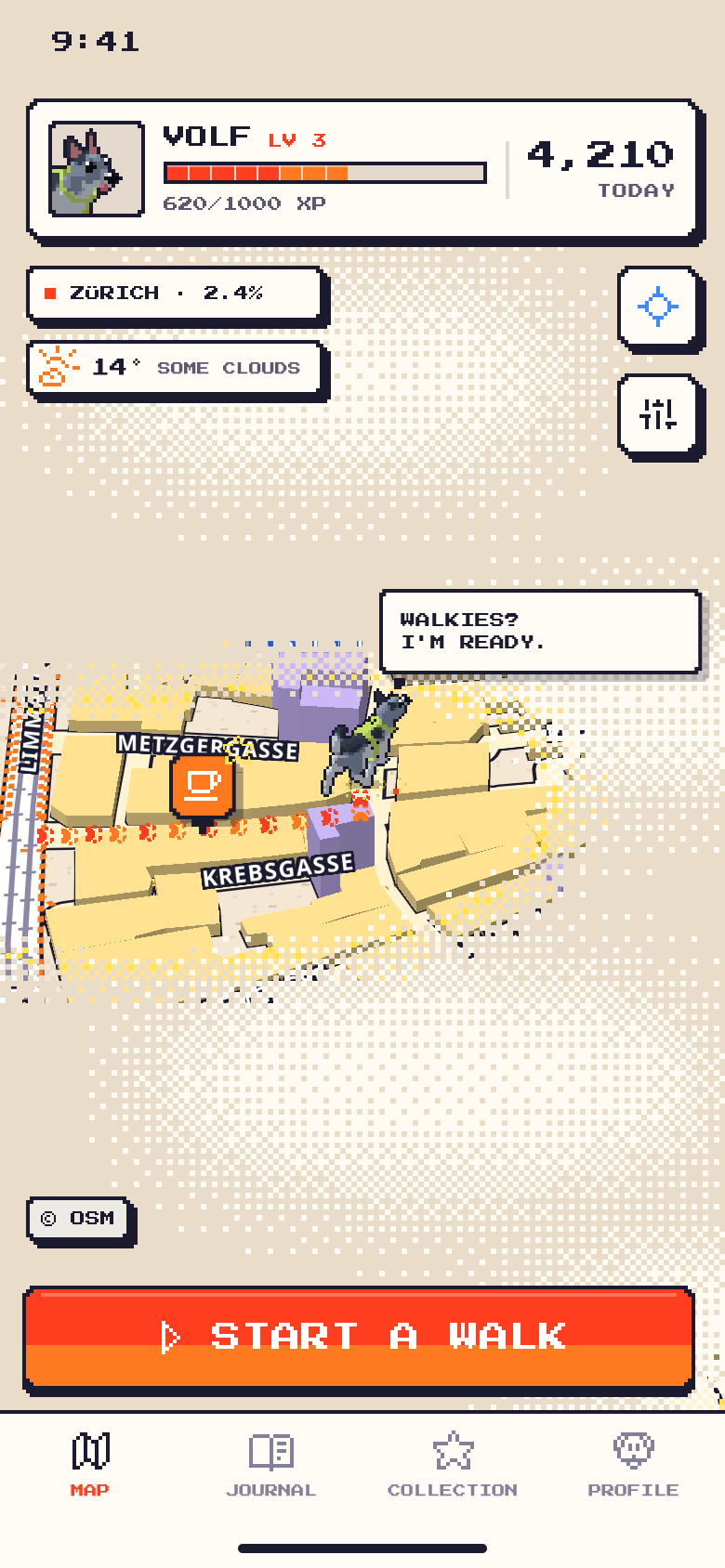
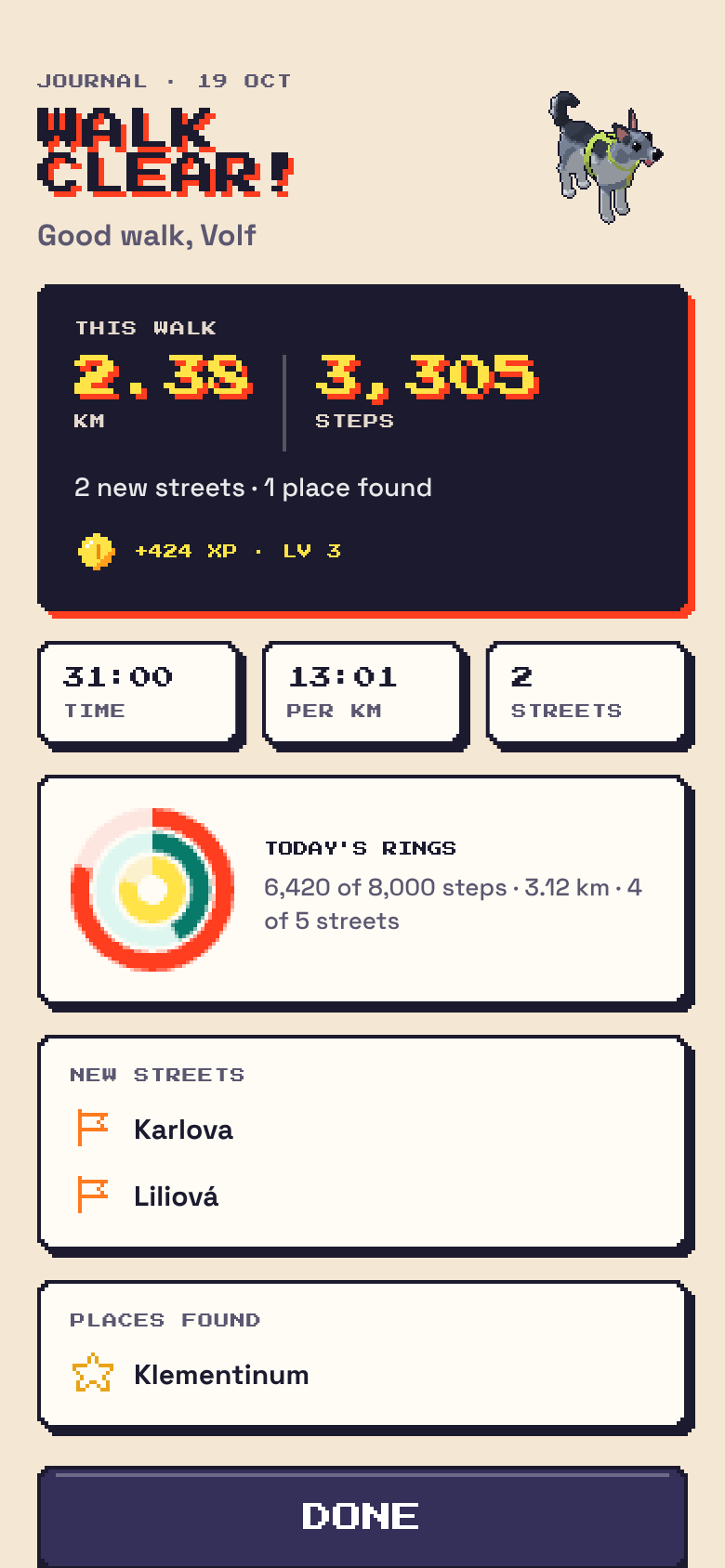
Everything in these screens, including the names, places and numbers, is sample data. Map data © OpenStreetMap contributors, tiles by OpenFreeMap; weather by Apple Weather.
Pick a daily goal for steps and one for distance, from three presets or your own number, in the units you like. The rings on the right follow your goals.
STEPS
DISTANCE
STREETS
Six worlds for the stage behind Volf, picked in Profile and used on the title screen and in Customize, and six harness colours. Try them, and tap Volf.
Canis keeps everything, your walks, the fog you've lifted, streets, places, XP and settings, in one file on your iPhone. Here is what still talks to the internet, and to whom.
The full details, including who receives what and how to remove it, are in the Canis privacy policy.
I read every message: support.canis@makeitcrazy.com. Answers to more questions are on the support page. Please never send passwords or full card or bank numbers.
Canis is in testing through Apple's TestFlight, on iPhone with iOS 17 or later. If you'd like to try it, email me and I'll send you an invitation. The App Store comes after testing.
No. There is no account and no Canis server. Canis asks for your name when you start, only so Volf can greet you. Your game is copied to your own iCloud, so it comes back after a reinstall or on a new iPhone with the same Apple ID.
To lift the fog where you walk and to count your walk. It asks for “While Using” only, not “Always”. During a walk it keeps going with the screen off, and iOS shows its blue location pill. Canis needs it to play, so the first screens ask before you start. You can change the permission any time in iPhone Settings › Privacy & Security › Location Services › Canis.
That's on purpose. Fog only lifts during a walk, which saves battery and makes “Start a walk” mean something. The first time you open Canis it uncovers 45 metres around you.
Steps per walk are counted by your iPhone's motion chip from the moment you press Start, with breaks taken out, so they can differ from a watch or from the day's total. The number next to Volf on the map counts only today's walks with Canis; the Journal's ring shows the whole day. If your iPhone can't count steps (Motion & Fitness is off, for example), Canis estimates them from the distance at about 0.72 metres a step.
On iPhone, watch and fitness apps share what they record with Apple Health, and Canis reads it from there: steps, walking distance, and walking and hiking workouts with their routes from the last 7 days. A route from your watch lifts the fog just like a Canis walk (unless it overlaps one that Canis recorded). Profile › Watches & trackers lists the sources it sees. Canis only reads Apple Health and never writes to it.
Map pictures: OpenFreeMap, using OpenStreetMap data (© OpenStreetMap contributors). Street and place names: Apple Maps search. Weather: Apple Weather, refreshed at most every 30 minutes or after 5 km. Names appear in English, and names in another script are shown in Latin letters.
Look up. Canis keeps working with the screen off, so you don't need to stare at it. Cross roads with your eyes on the road, choose routes that are safe and open to you, and respect private land. Canis shows places under the fog, but you never have to go to any of them.
Canis keeps your data on your phone and I hold none of it, so there is nothing to ask me to erase. You remove it yourself:
The first version (0.1) is written: the map and fog, the game rules, Volf, goals, reminders and the look.
Built and running on a real iPhone (19 October). Fixes from the first walks are going in.
Testing with a small group, through Apple's TestFlight. Ask at support.canis@makeitcrazy.com to join.
The store name is still to be confirmed with Apple; the app on your Home Screen is called Canis.
 PREVIOUS PROBE · 02OrbitEvery subscription, one screen. Jump back a sector.
WARP →